Knowledge base
Write articles in Markdown, send them for review and publish them to the employee portal. Employees find answers there before they file a request, and search analytics show what they looked for and did not find.
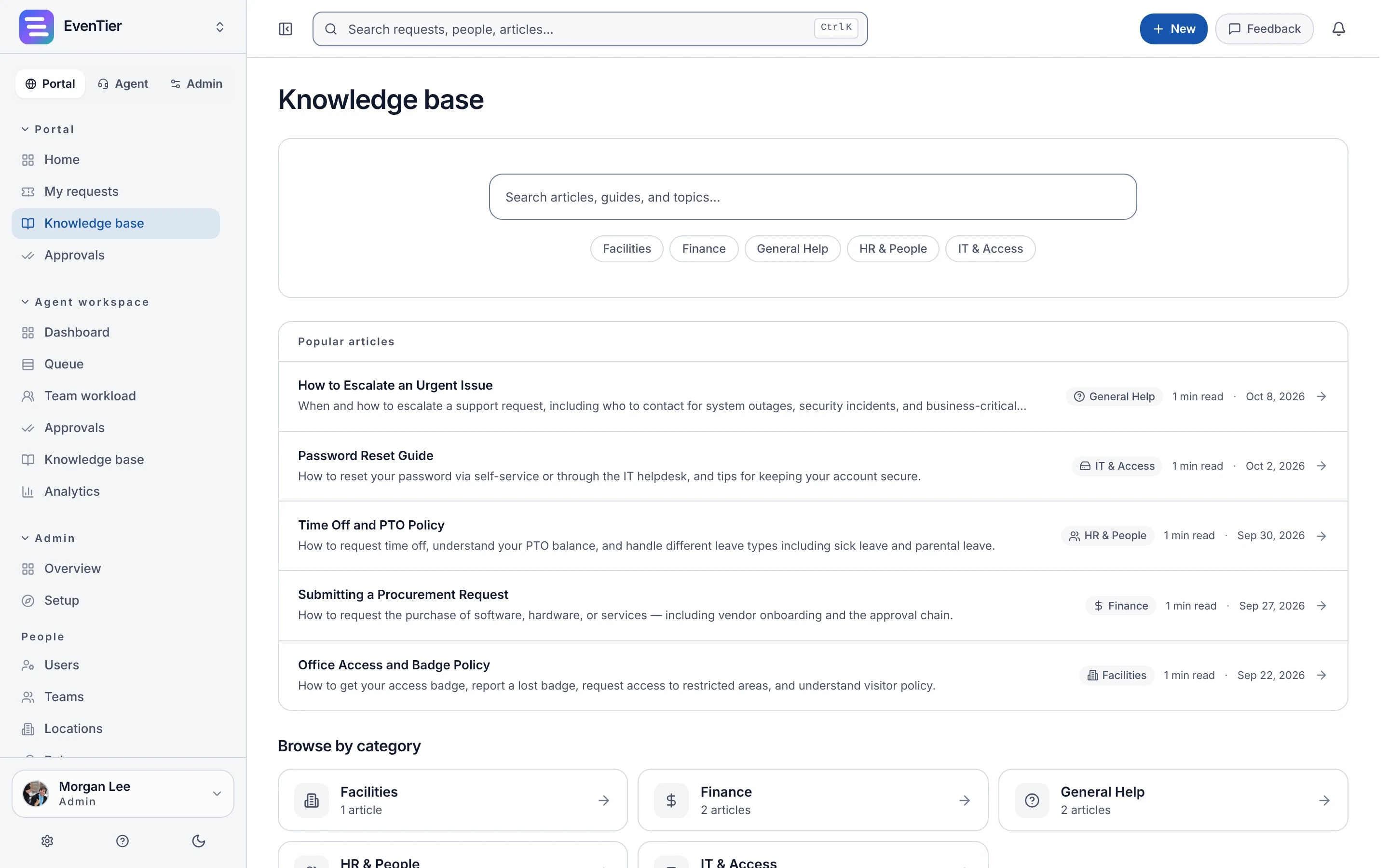
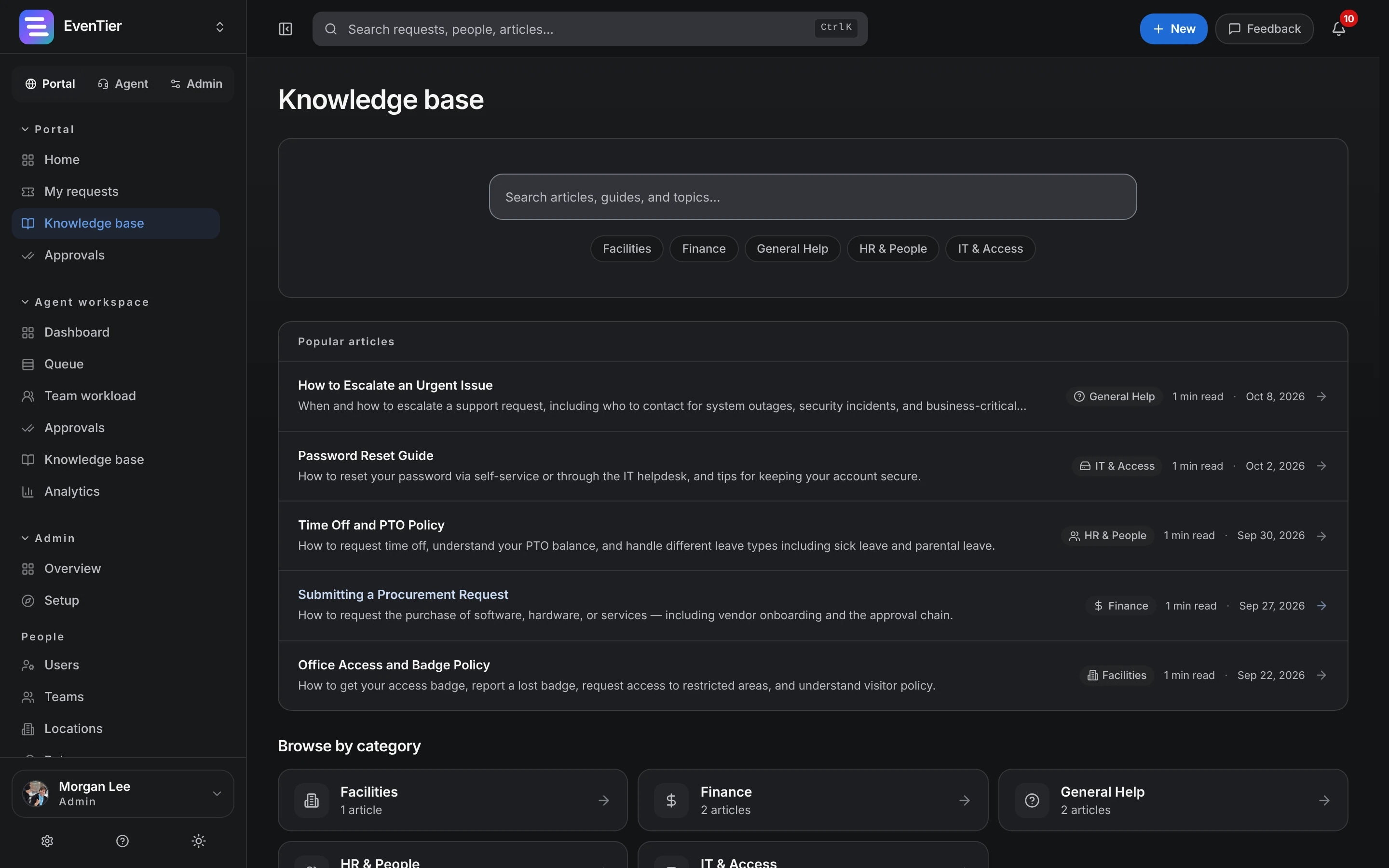
Draft, review, publish
Articles move from Draft to In review to Published. Reviewers are notified, then approve the article or send it back with a note for the author.
- A version is saved on every content change and on publish, with who saved it
- Restore an earlier version without changing the article's status
- Retire an outdated article: it leaves search and keeps its history
Search and suggestions on the portal
Employees search the knowledge base from the portal. While they describe a problem in the new-request form, suggested articles appear as they type.
- Full-text search that matches every word, with a fallback for partial words
- With Evee's semantic search turned on, search also matches by meaning
- Evee on the portal answers questions from published articles and cites them
Feedback and search analytics
Readers mark an article helpful or not and can add a comment. Search analytics show how many searches people ran on the portal, how often a search led to a click, and which searches found nothing, for the date range you pick.
Articles from solved requests
Once an admin turns the feature on, Evee can draft an article from a resolved request, with a title, summary and body. The author edits the draft and sends it for review like any other article.
More in Knowledge base
Categories and tags
Organize articles by category and tag, and start new ones from a template.
In the reply composer
Agents search published articles and insert a link while they reply.
Import
Bring articles from Confluence, Zendesk or Freshdesk, or from a CSV export. Imported articles stay drafts unless the person importing can approve them.
Included in every plan.See pricing →
Questions about Knowledge base
- Who can publish an article?
- People with the Approve knowledge base permission. Others can write drafts and send them for review.
- Is the knowledge base public on the internet?
- No. Articles are visible to people signed in to your workspace, on the portal and in the agent workspace.
- Does search need AI turned on?
- No. Search uses full-text matching with no AI. Semantic search and Evee's answers are optional and off until an admin turns them on.
- Can we import our existing articles?
- Yes, from Confluence (including Jira Service Management knowledge bases), Zendesk, Freshdesk, or a CSV file. Article bodies are converted to Markdown.
Documentation
- Knowledge baseVersioned articles that move from Draft to Review to Published, and can later be Retired. Revert to an earlier version, search the full text, and collect reader feedback.
- Importing & migratingBring ticket history and knowledge base articles over from Zendesk, Freshdesk, Jira Service Management, Confluence, or any CSV export. Timestamps, authors, and internal notes are kept.
- AI featuresEvee chats with employees, proposes actions to agents, drafts replies and summaries, and helps search the knowledge base. Each feature is turned on per organization, audited, and capped by the plan's quota.
Related
- Evee AIAnswers for employees, drafts and triage for agents
- Requests and portalIntake forms, the employee portal and the agent queue
- AnalyticsBacklog, SLA, CSAT and workload dashboards
- Internal IT help deskIntake, routing, SLAs, approvals, assets, and audit for the team that fields hardware and access requests.
- Employee request managementOne portal for IT, HR, finance, and facilities requests, with per-department forms, routing, approvals, and SLAs.
Try it with your own data
Create a workspace and set it up with your own teams, request types and settings.