Asset management
Track laptops, monitors, licenses and other equipment: who has each one, where it is, and the requests about it. Once an admin turns asset management on in settings, import your inventory from a spreadsheet or add assets one at a time.
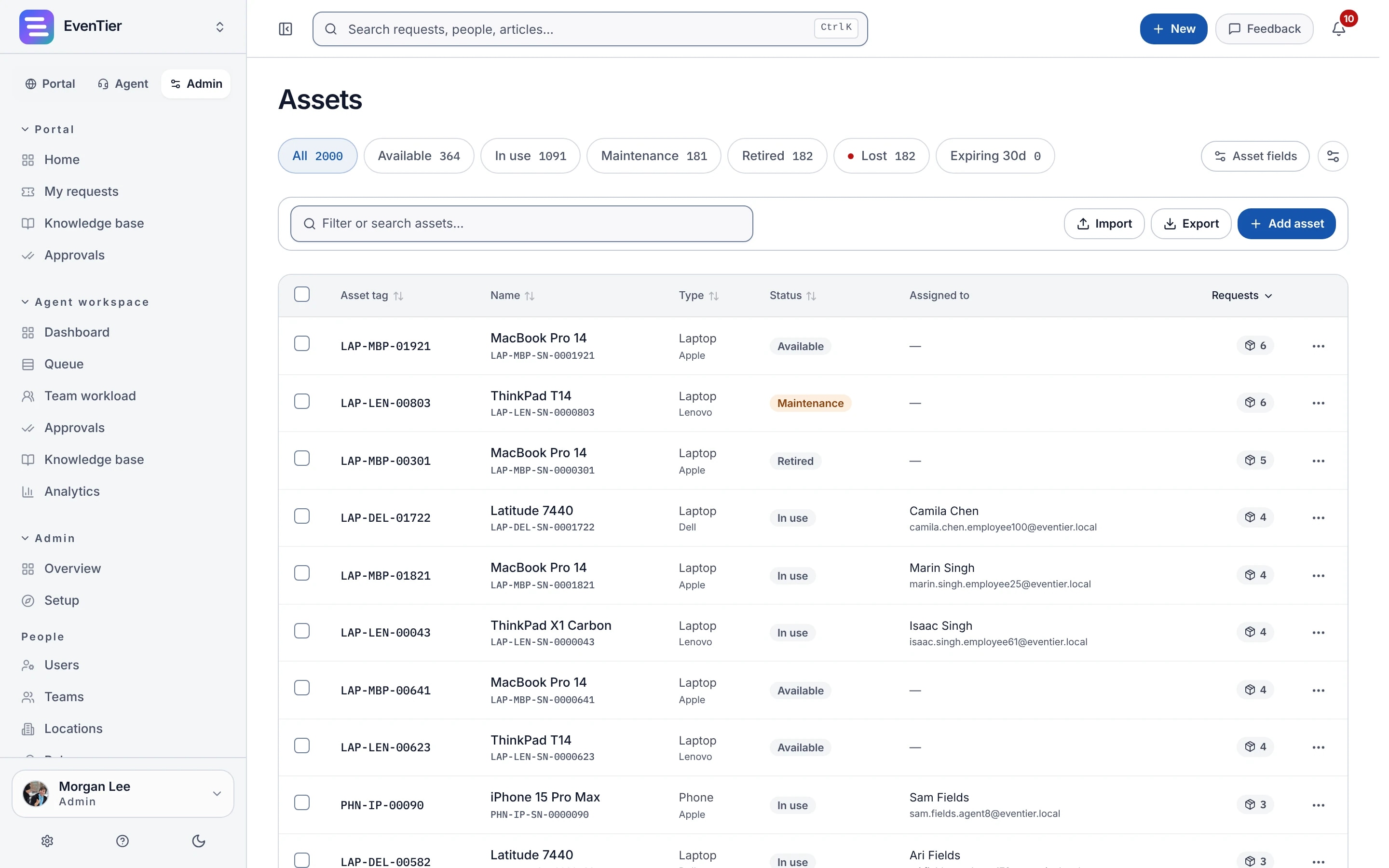
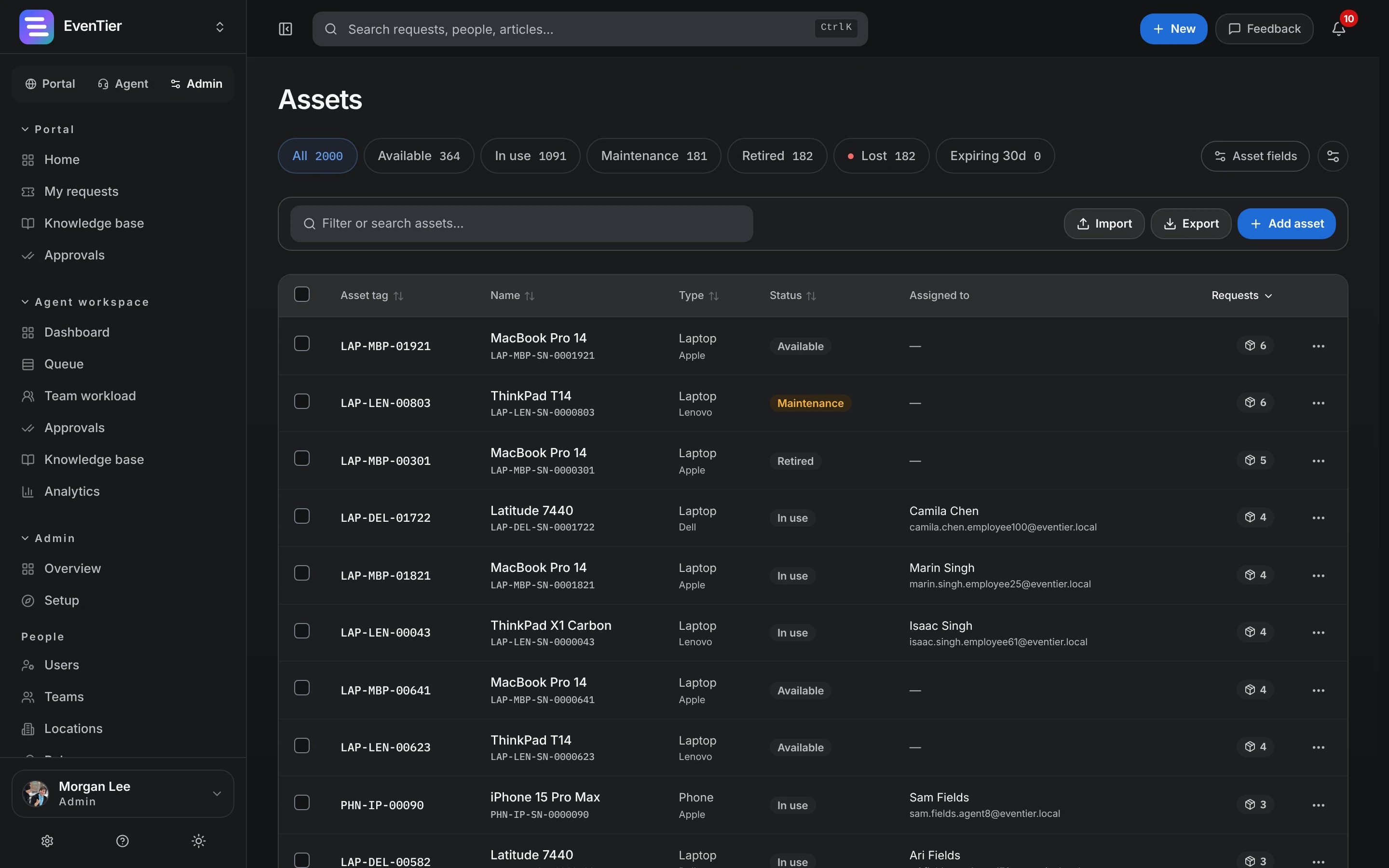
An inventory with the fields you need
Every asset has a tag, a name and a type, plus built-in fields you can show, hide or rename, and custom fields you add.
- Built-in fields include serial number, status, assignee, location, vendor and cost center, plus the purchase date and warranty and contract end dates
- Custom text, number, date, select and yes/no fields
- Statuses: available, in use, maintenance, retired and lost
Who has what, and the requests about it
Assign an asset to a person, and its history keeps every change of hands. Link assets to requests, so the agent and the requester both see which device a ticket is about.
- Assignment changes are also written to the audit log
- Linked assets appear on the request, both in the agent workspace and on the portal
- Bulk changes to status, assignee, location or cost center
Relationships between assets
Record how assets relate to each other, such as software installed on a laptop, a monitor connected to a dock, or a server that backs up another.
- Five relationship types: depends on, connected to, part of, installed on and backs up
Renewals and analytics
People who manage assets get a weekly email listing the warranties and contracts that end soon. Asset analytics shows the status mix and counts by type, vendor and cost center.
More in Asset management
CSV import and export
Import an existing inventory, where only the tag, name and type are required, and export it at any time.
Permissions
Managing assets is a separate permission, so you can grant it only to the people who run inventory.
Included in every plan.See pricing →
Questions about Asset management
- Does EvenTier discover devices on our network?
- No. There is no network discovery or device-management sync. Import your inventory from a CSV export of your current system, then keep it up to date in EvenTier.
- Is it a configuration management database (CMDB)?
- It tracks assets and the relationships between them, which covers most internal help desks. If you need a full CMDB with discovery and service mapping, a dedicated ITSM suite is a better fit.
Documentation
- Assets & inventoryTrack laptops, monitors and licenses with built-in and custom fields. Import and export them as spreadsheet (CSV) files, and link them to requests.
- Analytics & reportingThe analytics dashboard, team workload, customer satisfaction (CSAT) surveys, saved views, and exports as CSV, PDF, or PowerPoint.
Related
- Requests and portalIntake forms, the employee portal and the agent queue
- AnalyticsBacklog, SLA, CSAT and workload dashboards
- SLAsResponse and resolution targets on business hours
- Internal IT help deskIntake, routing, SLAs, approvals, assets, and audit for the team that fields hardware and access requests.
- Facilities and workplaceA link or QR code to the right form, the asset on the ticket, per-site queues, and spend that requires approval.
Try it with your own data
Create a workspace and set it up with your own teams, request types and settings.