SLAs and business hours
Set first response and resolution targets by request type, priority and team. The clock follows your business hours and holidays and pauses while you wait on the requester or an approver. Escalation rules act before a deadline is missed.
SLA policies
A policy matches requests by request type, priority and team, and the most specific match wins. Its targets are set in hours, one for the first response and one for resolution.
- A new workspace starts with one policy per priority
- The first response is the desk's first public reply to the requester
Business hours and holidays
Choose the time zone, working days and daily windows, and add a holiday calendar. A policy that uses business hours counts only that time, so a request filed on Friday evening is not late on Monday morning.
- More than one window per day, for a desk with a lunch break or split shifts
- A window from 00:00 to 00:00 keeps the desk open around the clock
- Holidays stop the clock for the whole day
Pauses and escalations
Each policy lists the statuses that pause its clock, usually Waiting on requester and Waiting on approval. Escalation rules fire when a request passes a percentage of its resolution window.
- Escalate at any percentage from 1 to 200 percent of the target
- Notify someone, move the request to another team, or raise its priority
- Each rule fires once per request
Seeing risk before a breach
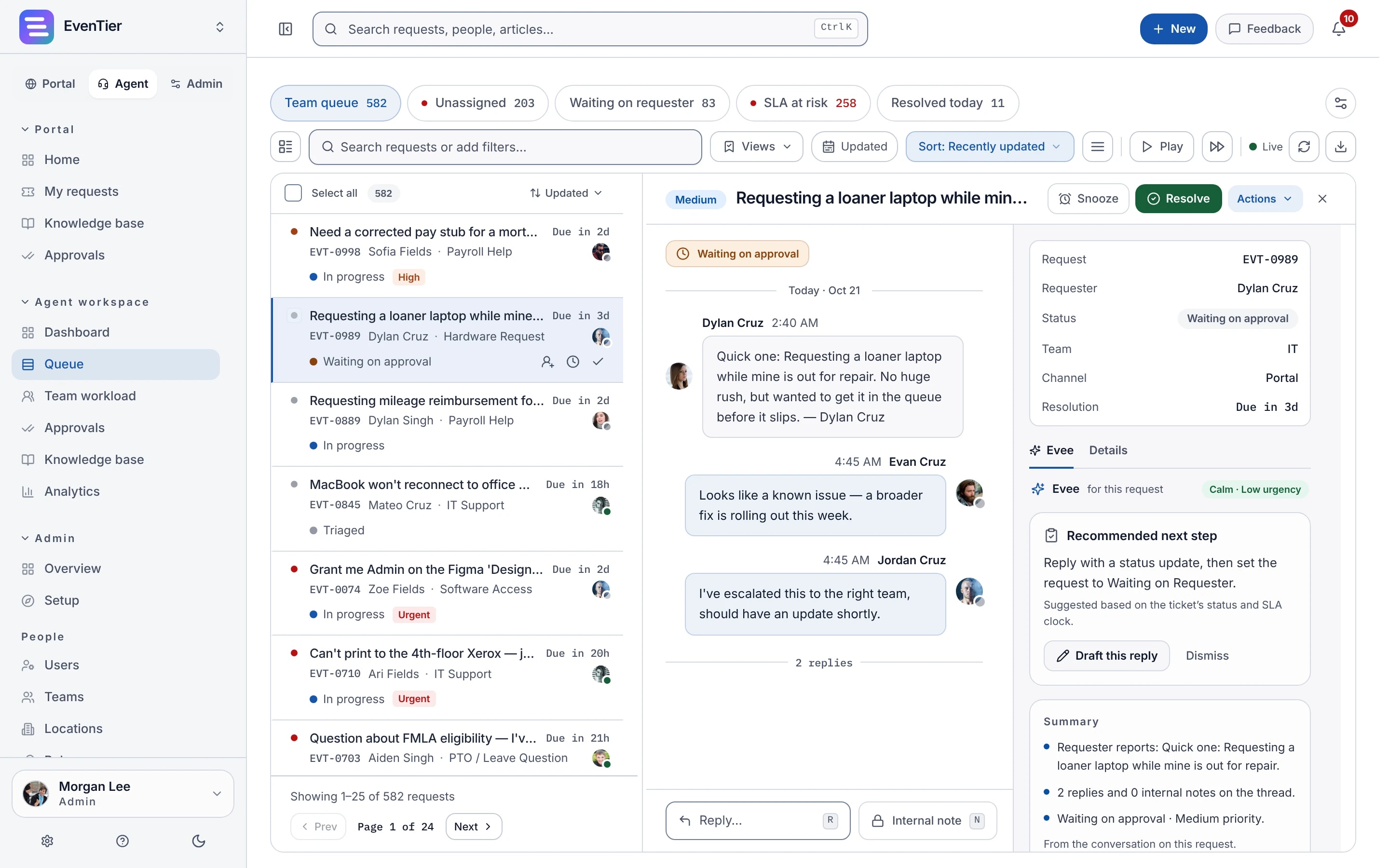
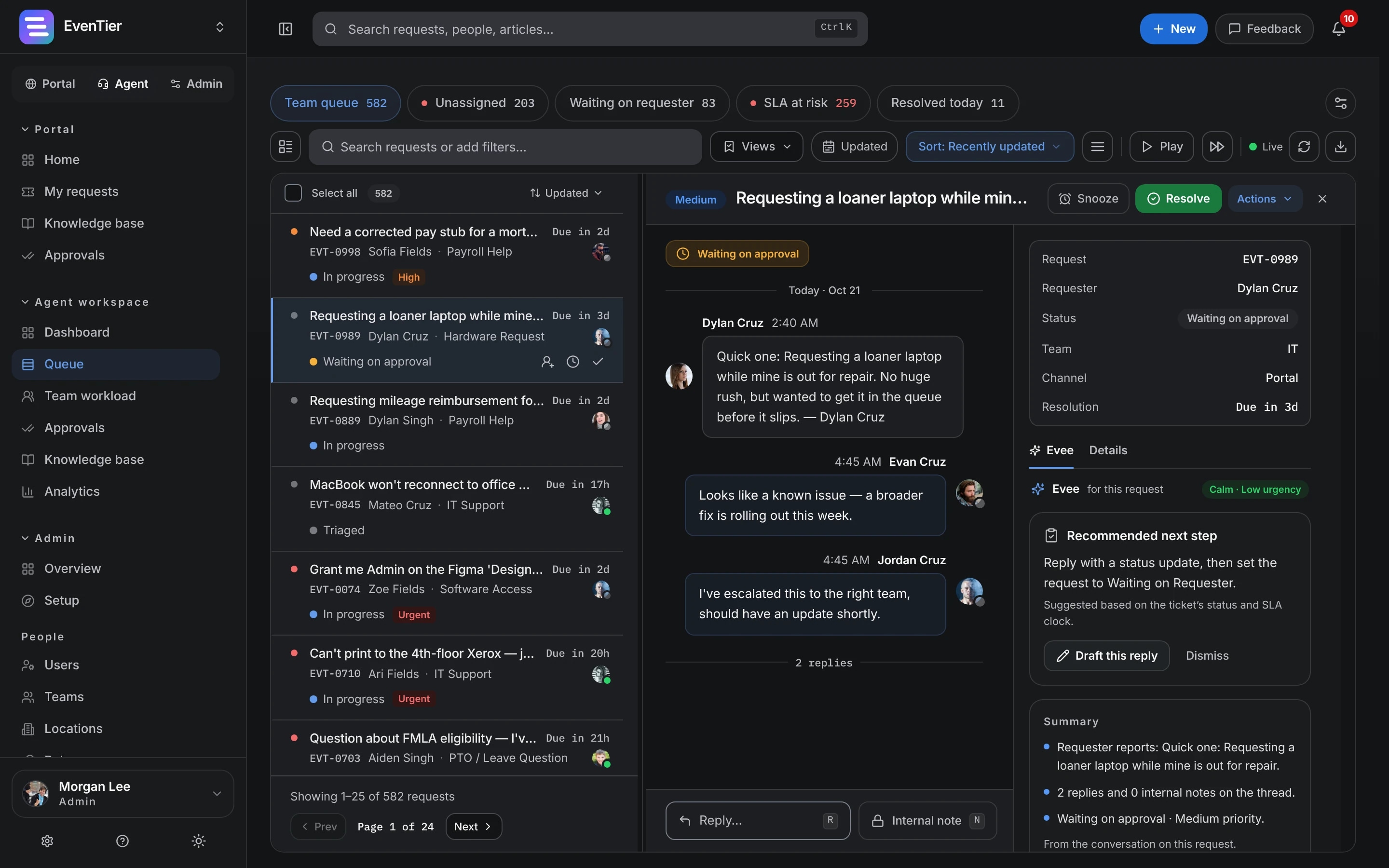
The queue marks requests that are close to their deadline, and sorting by SLA risk puts them first. The analytics dashboard shows compliance over time, the teams and request types that miss most often, and median and 90th percentile times, all of which you can export.
More in SLAs
Urgent work
Give urgent requests their own policy with no pause statuses, so their clock never stops.
Team transfers
Moving a request to another team keeps its history, and the request picks up the policy that matches its new team.
Included in every plan.See pricing →
Questions about SLAs
- What counts as the first response?
- The desk's first public reply to the requester. Changing the status, priority, team or assignee does not count, whether an agent or an automation makes the change. A request resolved or closed without a reply counts as responded at that moment.
- Does the clock run while we wait on the requester?
- Not with the starting policies, which pause on Waiting on requester and Waiting on approval. Each policy has its own pause statuses.
- What if a request matches more than one policy?
- The most specific policy wins. Request type counts most, then priority, then team.
- Can different teams have different hours?
- Each workspace has one business-hours schedule. Each policy either follows that schedule or counts around the clock, so a team that works nights and weekends can have policies of its own that ignore it.
Documentation
- SLAs & business hoursSet first-response and resolution targets in hours for each policy. Add a weekly business-hours schedule, a holiday calendar, optional pause statuses, and escalations that act at a threshold.
- Analytics & reportingThe analytics dashboard, team workload, customer satisfaction (CSAT) surveys, saved views, and exports as CSV, PDF, or PowerPoint.
Related
- Requests and portalIntake forms, the employee portal and the agent queue
- AnalyticsBacklog, SLA, CSAT and workload dashboards
- AutomationsIf and Else rules on a drag-and-drop canvas
- Internal IT help deskIntake, routing, SLAs, approvals, assets, and audit for the team that fields hardware and access requests.
Try it with your own data
Create a workspace and set it up with your own teams, request types and settings.