What an audit log must record to be useful
The fields an auditor or incident responder asks for, the three logs EvenTier keeps, how retention works, and how to keep an independent copy in your SIEM.
- Published
- Updated
- Reading time
- 6 min
- By
- EvenTier
Every help desk has an audit log, but not every audit log can answer a question. The test comes when someone asks who granted an admin role in March, or whether the vendor's own staff opened your workspace last quarter. Either the log has an entry that answers the question, or it does not.
This guide covers what an audit log entry needs to contain, where EvenTier keeps it, and how to keep a copy outside the tool that wrote it. The log is under Admin → Audit logs and is described in the audit log documentation. The trust page lists the security controls, including those not yet available.
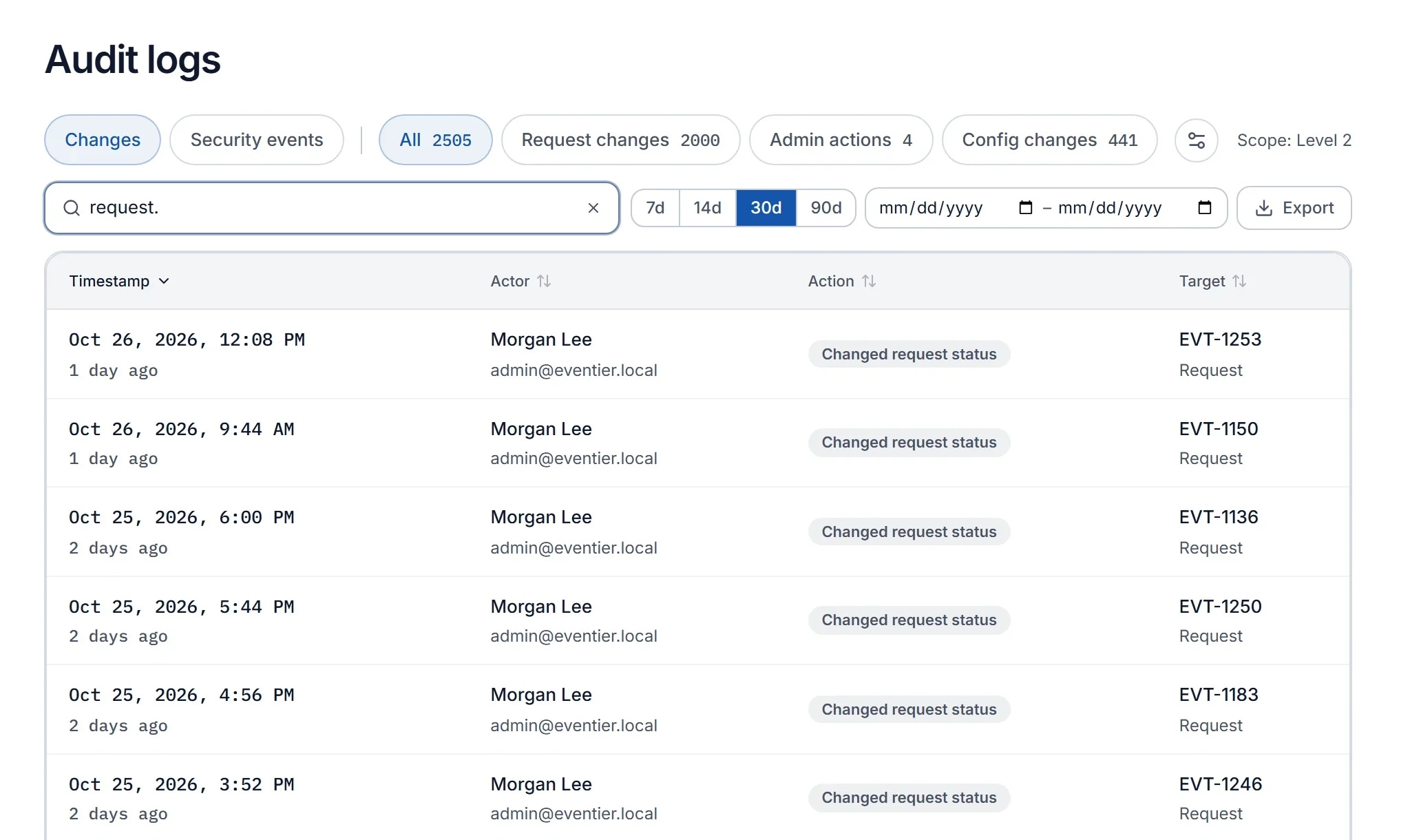
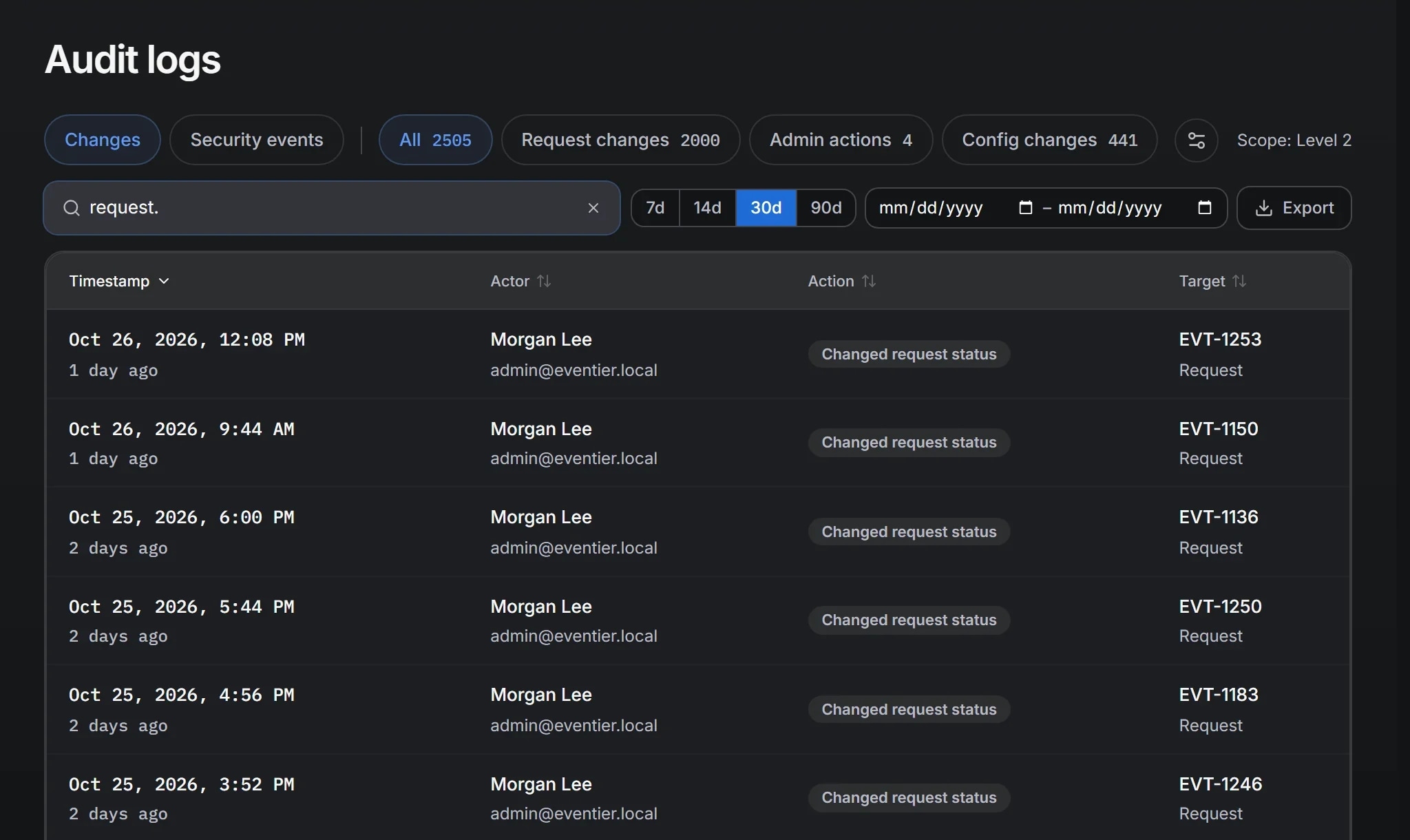
Five questions an entry must answer
A useful audit record answers five questions. A log is only as useful as the number of entries that answer all five. The questions are not new: control AU-3 in NIST SP 800-53 asks each record to show what happened, when and where, its source and outcome, and who was involved, and the OWASP Logging Cheat Sheet puts it as when, where, who and what.
Who. The actor, as an identity you can still resolve a year later: a named user, a service account, or a specific API key. "System" is not enough. When an automation rule changes a request, the entry should name the rule. When a script calls the API, it should name the key and the identity the key belongs to.
What. The entity and the change: which request, which field, the old value, and the new value. An entry that only says a request was "updated" cannot be acted on. A status change should record both statuses, and a role change should record which permissions changed.
When. A timestamp you can compare with other systems. Consistent time zone handling matters more than precision, since the question is usually what else happened in the same hour.
Where. For sign-ins, the network address and the method: password, single sign-on (SSO), and which authentication factor. For API calls, the path and the result.
Why, or at least in what context. The request the action belongs to, the approval it decided, or the import job it was part of. Context lets an auditor follow the sequence of events without your help.
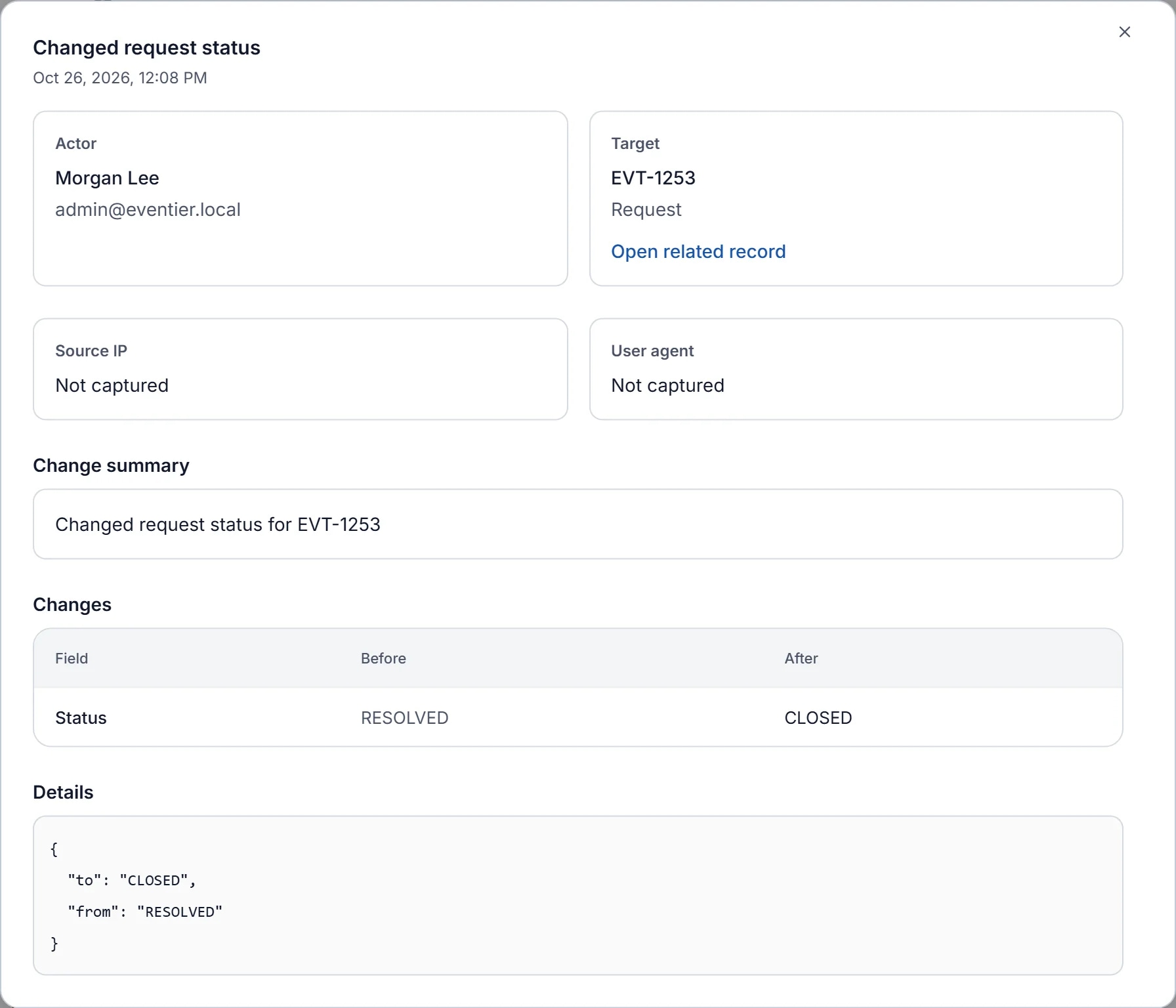
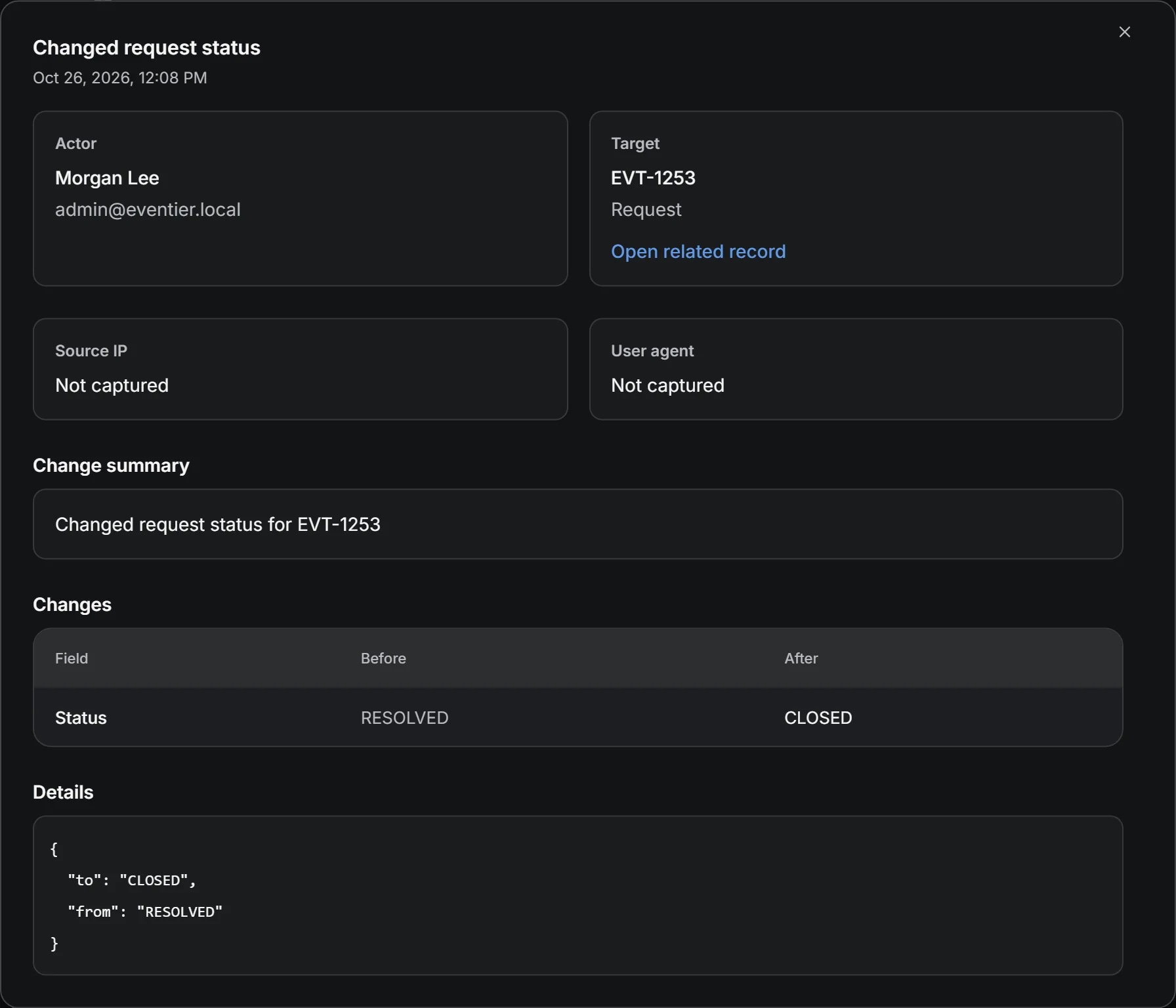
The three logs
EvenTier keeps three separate logs, because three different audiences ask different questions.
The change log records every write: status changes with the old and new status, field edits, assignment changes, tag changes, and role and permission changes, each attributed to the actor who made it. The request's activity history is drawn from this log, and it is the one an auditor reads when the question is about a record.
The sign-in log records authentication: who signed in, when, from where, with which method and factor, and failed attempts. Incident responders open this one first.
The security log records events that are neither a record change nor a routine sign-in: multi-factor authentication (MFA) enrollment and changes, lockouts, session events, API key use and scope denials, and access to your workspace by EvenTier staff. Many vendors do not log their own staff access where the customer can see it, so ask about it in every vendor questionnaire.
Keeping the logs separate has a practical benefit. A reviewer who needs the change log can hold the View audit logs permission and the entity read permissions and nothing else, which is a custom role you can build from the individual permissions. A read-only reviewer role for your auditor uses one agent seat and avoids giving admin access to someone outside the team.
Events recorded automatically
Several actions write audit log entries that are easy to overlook until you need them.
Every approval decision records who decided, what they decided, and when, on the request it belongs to. The approval workflow examples depend on these entries.
When a manager or admin force-resolves a request, any pending approval on it is automatically denied and an internal audit note records this.
Imports write audit events when they start and finish. A discarded sample or a delta sync leaves its own entry, so a migration can be traced afterward.
API calls are logged against the key that made them, with the method, path, and status, and kept for the period stated in the API documentation. The security log records a key's first use and its first use after a day of inactivity, so a key that becomes active at three in the morning after a quiet month is visible.
GDPR erasure keeps a cryptographic proof record in place of the removed identity, so a later data access request can be matched without retaining the data.
Retention
The change log's retention period depends on the plan and extends with the audit add-on. The sign-in and security logs have their own retention period in the cloud. A self-hosted deployment keeps all three for good, or for the number of days its operator sets for each. The current numbers are on the pricing page and the trust page, since they change with the plan catalog.
The design question does not depend on the numbers. Your compliance requirements set a retention period, and anything you must keep longer than the plan's retention window belongs in your own system. The next section covers how.
Keep an independent copy in your SIEM
An audit log kept only inside the product that wrote it has a single owner. EvenTier's audit entries are ordinary database rows with no hash chain, and the trust page lists this under controls not yet available. The remedy is to stream the logs to your SIEM as they are written and treat that copy as the authoritative one. NIST SP 800-92 makes the same case for central log management: a copy kept apart from the system that produced it is harder to alter and easier to search.
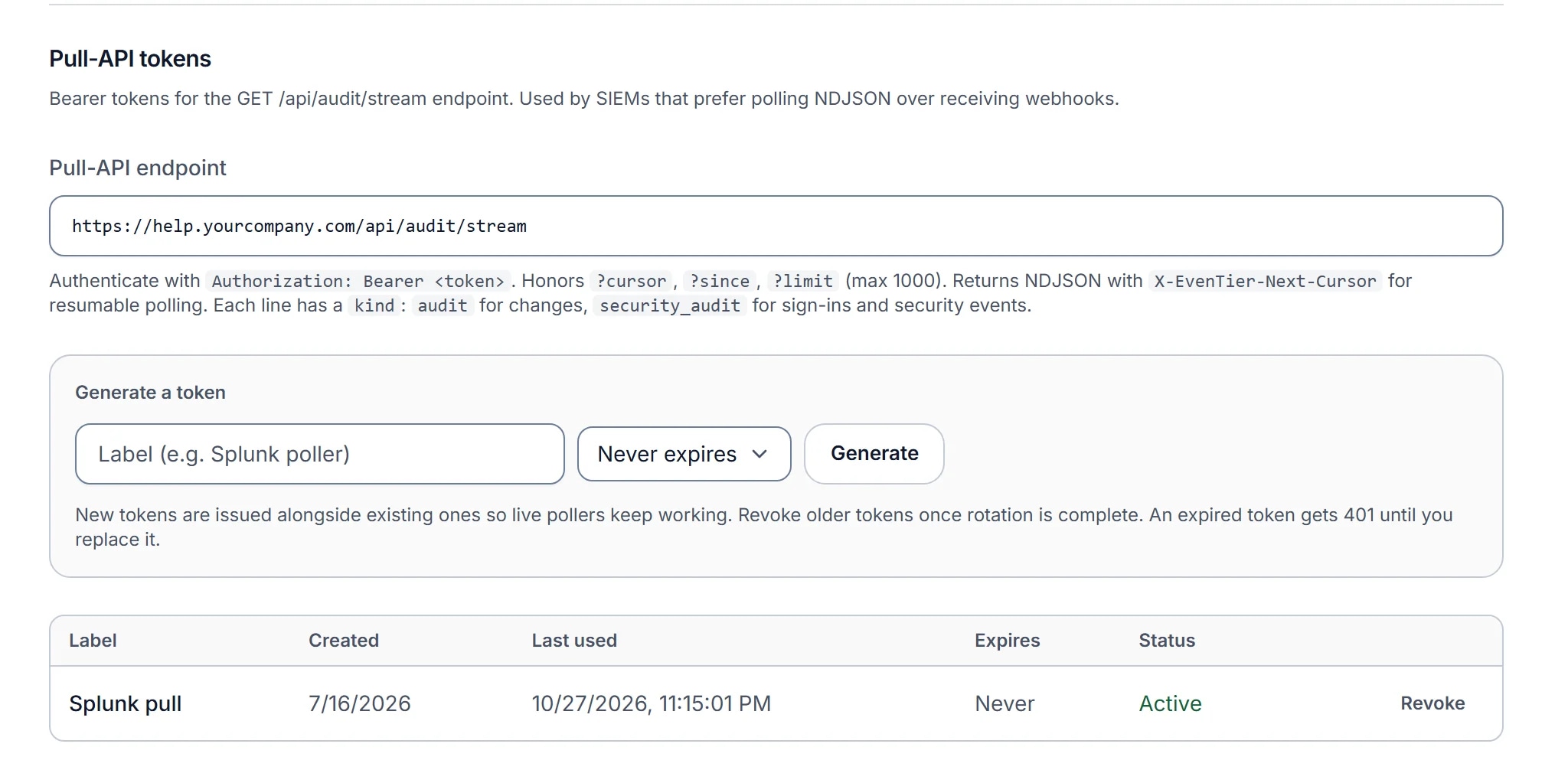
The SIEM stream carries all three logs, including staff access events, as NDJSON with one event per line. It is cursor-resumable and works by pull or by signed webhook. Set it up from Admin → Settings → Organization settings → SIEM export: generate a pull-API token, point Splunk, Datadog, or whichever SIEM your security team runs at the stream endpoint, and confirm the first events arrive. Then set alerts in the SIEM for the events you want to know about the same day: a staff access event, a role change, an API key's first use, or a series of failed sign-ins.
Once the copy exists, retention in the product is a convenience rather than a control, and your SIEM's retention period becomes the answer to how long you keep audit logs.
Vendor questionnaire
When you evaluate any tool that will hold internal requests, ask these audit questions. Each answer should be a product feature.
- Does every change record the actor, the entity, the before and after values, and the time?
- Are sign-ins logged with method, factor, and network address, including failures?
- Is the vendor's own access to our data logged where we can read it?
- Can a read-only reviewer role see the logs without being an administrator?
- Can all of it stream to our SIEM, resumably, as it is written?
- What is the retention window, and what happens to the logs when we leave?
A vendor who answers the third question with a policy rather than a log has shown you where the gap is. The point is to find out before you need the entry.
References
- Guide to Computer Security Log Management (SP 800-92)NIST. Planning log management, protecting logs, and keeping a central copy.
- Security and Privacy Controls for Information Systems and Organizations (SP 800-53 Rev. 5)NIST. The Audit and Accountability family; AU-3 lists what an audit record must contain.
- Logging Cheat SheetOWASP. Which events to log in an application and the when, where, who and what of each entry.
- 2017 Trust Services Criteria (With Revised Points of Focus, 2022)AICPA. The criteria SOC 2 reports test, including monitoring of system activity. Free account required to download.
Filed under audit, security.